

Expert Builder
Fork Lift
- Setnummer
- 950
- Jahr
- 1979
- Teile
- 216
- Minifiguren
- 0
- Thema
- Expert Builder
- Verschiedene Teile
- 42
Teileliste 42
-
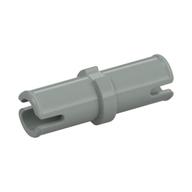 Technic Pin without Friction Ridges Lengthwise
Nicht mehr produziert · zuletzt 2005
× 15
Technic Pin without Friction Ridges Lengthwise
Nicht mehr produziert · zuletzt 2005
× 15
-
![Technic Stein 1 × 2 [1 Pinloch] Gelb](/media/parts/3700/14/technic-stein-1-x-2-1-pinloch-gelb.jpg) Technic Stein 1 × 2 [1 Pinloch]
× 15
Technic Stein 1 × 2 [1 Pinloch]
× 15
-
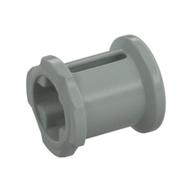 Technic Buchse
Nicht mehr produziert · zuletzt 2004
× 14
Technic Buchse
Nicht mehr produziert · zuletzt 2004
× 14
-
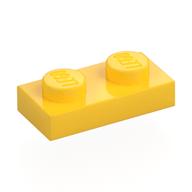 Platte 1 × 2
× 13
Platte 1 × 2
× 13
-
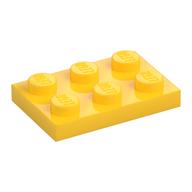 Platte 2 × 3
× 12
Platte 2 × 3
× 12
-
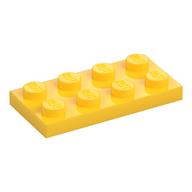 Platte 2 × 4
× 11
Platte 2 × 4
× 11
-
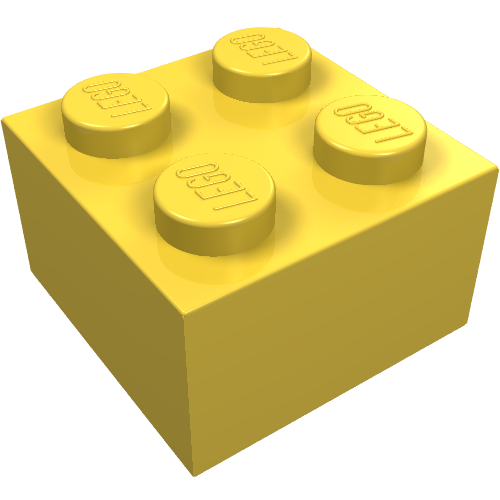 Brick 2 × 2 without Inside Ridges
Nicht mehr produziert · zuletzt 1986
× 10
Brick 2 × 2 without Inside Ridges
Nicht mehr produziert · zuletzt 1986
× 10
-
![Technic Stein 1 × 4 [3 Pinlöcher] Gelb](/media/parts/3701/14/technic-stein-1-x-4-3-pinloecher-gelb.jpg) Technic Stein 1 × 4 [3 Pinlöcher]
× 10
Technic Stein 1 × 4 [3 Pinlöcher]
× 10
-
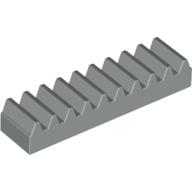 Technic Gear Rack 1 × 4
Nicht mehr produziert · zuletzt 2003
× 8
Technic Gear Rack 1 × 4
Nicht mehr produziert · zuletzt 2003
× 8
-
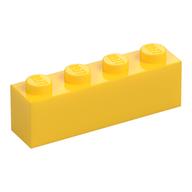 Stein 1 × 4
× 7
Stein 1 × 4
× 7
-
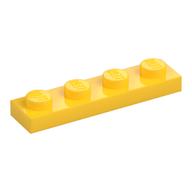 Platte 1 × 4
× 7
Platte 1 × 4
× 7
-
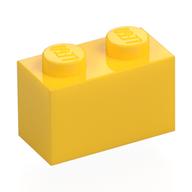 Stein 1 × 2
× 6
Stein 1 × 2
× 6
-
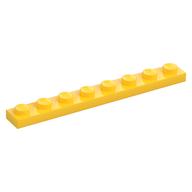 Platte 1 × 8
× 6
Platte 1 × 8
× 6
-
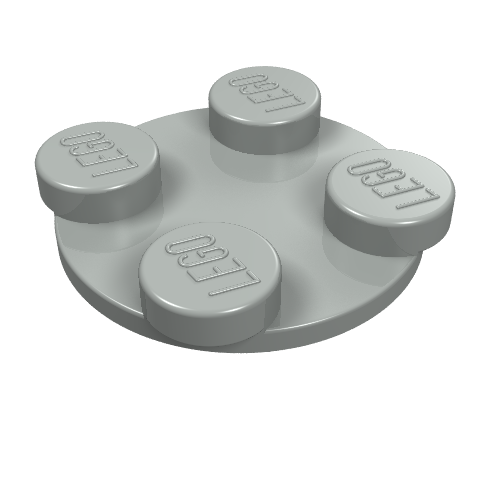 Drehteller 2 × 2 Platte - oben
Nicht mehr produziert · zuletzt 2006
× 6
Drehteller 2 × 2 Platte - oben
Nicht mehr produziert · zuletzt 2006
× 6
-
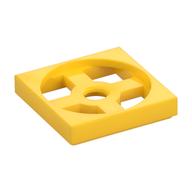 Turntable 2 × 2 Plate, Base
Nicht mehr produziert · zuletzt 2012
× 6
Turntable 2 × 2 Plate, Base
Nicht mehr produziert · zuletzt 2012
× 6
-
![Technic Stein 1 × 8 [7 Pinlöcher] Gelb](/media/parts/3702/14/technic-stein-1-x-8-7-pinloecher-gelb.jpg) Technic Stein 1 × 8 [7 Pinlöcher]
× 6
Technic Stein 1 × 8 [7 Pinlöcher]
× 6
-
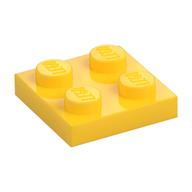 Platte 2 × 2
× 4
Platte 2 × 2
× 4
-
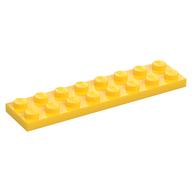 Platte 2 × 8
× 4
Platte 2 × 8
× 4
-
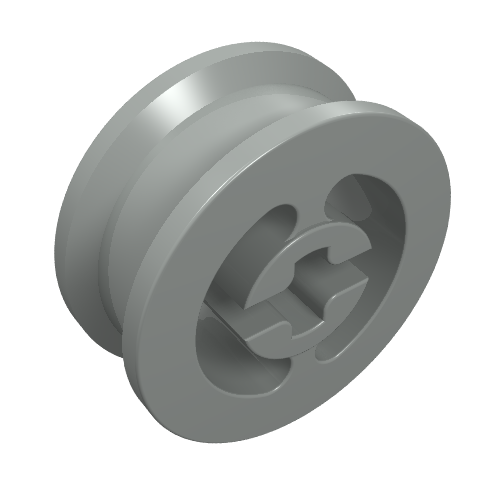 Wheel with Split Axle hole
Nicht mehr produziert · zuletzt 2003
× 4
Wheel with Split Axle hole
Nicht mehr produziert · zuletzt 2003
× 4
-
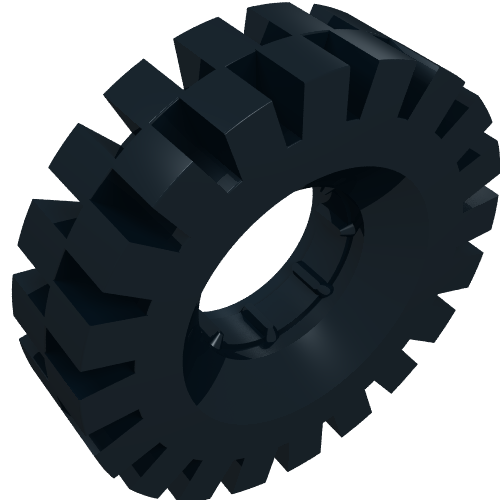 Reifen 43 × 17
Nicht mehr produziert · zuletzt 2005
× 4
Reifen 43 × 17
Nicht mehr produziert · zuletzt 2005
× 4
-
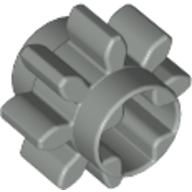 Technic Gear 8 Tooth
Nicht mehr produziert · zuletzt 2006
× 4
Technic Gear 8 Tooth
Nicht mehr produziert · zuletzt 2006
× 4
-
![Technic Stein 1 × 16 [15 Pinlöcher] Gelb](/media/parts/3703/14/technic-stein-1-x-16-15-pinloecher-gelb.jpg) Technic Stein 1 × 16 [15 Pinlöcher]
Nicht mehr produziert · zuletzt 2010
× 4
Technic Stein 1 × 16 [15 Pinlöcher]
Nicht mehr produziert · zuletzt 2010
× 4
-
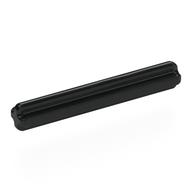 Technic Achse 4
× 4
Technic Achse 4
× 4
-
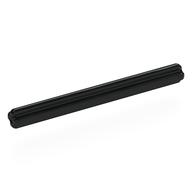 Technic Achse 6
× 4
Technic Achse 6
× 4
-
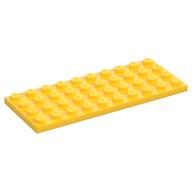 Platte 4 × 10
Nicht mehr produziert · zuletzt 2005
× 3
Platte 4 × 10
Nicht mehr produziert · zuletzt 2005
× 3
-
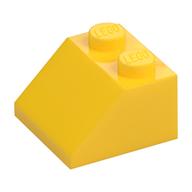 Dachstein 45° 2 × 2
× 3
Dachstein 45° 2 × 2
× 3
-
![Brick Sloped Inverted 45° 2 × 2 [Ovoid Bottom Pin, Bar-sized Stud Holes] Gelb](/media/parts/3660/14/brick-sloped-inverted-45-2-x-2-ovoid-bottom-pin-bar-sized-stud-holes-gelb.jpg) Brick Sloped Inverted 45° 2 × 2 [Ovoid Bottom Pin, Bar-sized Stud Holes]
× 3
Brick Sloped Inverted 45° 2 × 2 [Ovoid Bottom Pin, Bar-sized Stud Holes]
× 3
-
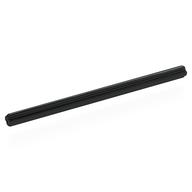 Technic Achse 10
× 3
Technic Achse 10
× 3
-
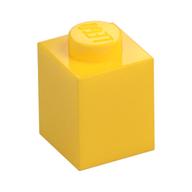 Stein 1 × 1
× 2
Stein 1 × 1
× 2
-
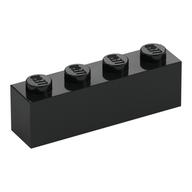 Stein 1 × 4
× 2
Stein 1 × 4
× 2
-
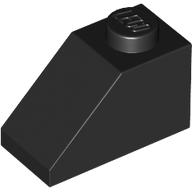 Dachstein 45° 2 × 1 mit Pin unten
× 2
Dachstein 45° 2 × 1 mit Pin unten
× 2
-
![Technic Gear 24 Tooth [Old Style - Three axle holes] Hellgrau](/media/parts/3648a/7/technic-gear-24-tooth-old-style-three-axle-holes-hellgrau.jpg) Technic Gear 24 Tooth [Old Style - Three axle holes]
Nicht mehr produziert · zuletzt 1998
× 2
Technic Gear 24 Tooth [Old Style - Three axle holes]
Nicht mehr produziert · zuletzt 1998
× 2
-
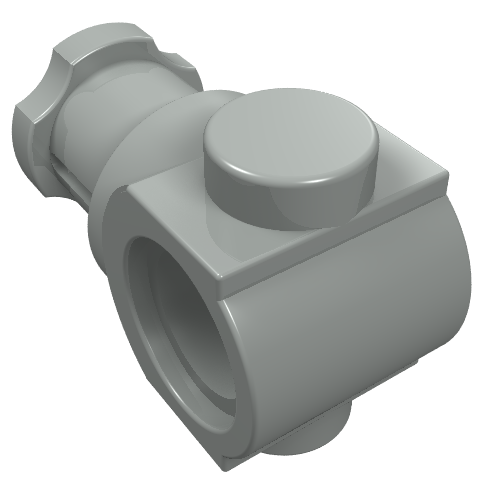 Technic Achse und Pin Verbinder
Nicht mehr produziert · zuletzt 2003
× 2
Technic Achse und Pin Verbinder
Nicht mehr produziert · zuletzt 2003
× 2
-
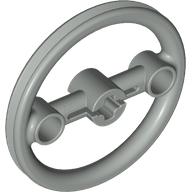 Technic Steering Pulley Large
Nicht mehr produziert · zuletzt 2003
× 2
Technic Steering Pulley Large
Nicht mehr produziert · zuletzt 2003
× 2
-
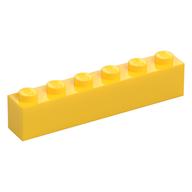 Stein 1 × 6
× 1
Stein 1 × 6
× 1
-
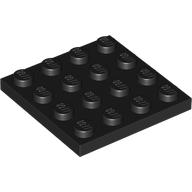 Platte 4 × 4
× 1
Platte 4 × 4
× 1
-
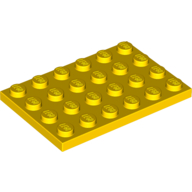 Platte 4 × 6
× 1
Platte 4 × 6
× 1
-
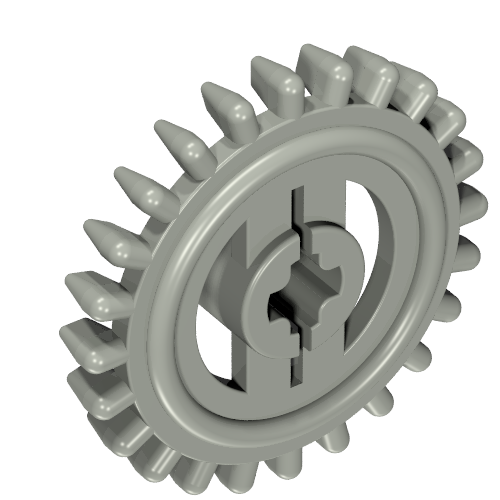 Technic Gear 24 Tooth Crown with Flat Teeth
Nicht mehr produziert · zuletzt 1993
× 1
Technic Gear 24 Tooth Crown with Flat Teeth
Nicht mehr produziert · zuletzt 1993
× 1
-
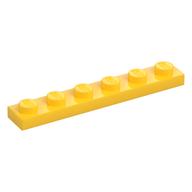 Platte 1 × 6
× 1
Platte 1 × 6
× 1
-
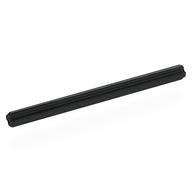 Technic Achse 8
× 1
Technic Achse 8
× 1
-
![Technic Platte 2 × 4 [3 Löcher] Gelb](/media/parts/3709/14/technic-platte-2-x-4-3-loecher-gelb.jpg) Technic Platte 2 × 4 [3 Löcher]
Nicht mehr produziert · zuletzt 2010
× 1
Technic Platte 2 × 4 [3 Löcher]
Nicht mehr produziert · zuletzt 2010
× 1
-
![Technic Platte 2 × 8 [7 Löcher] Gelb](/media/parts/3738/14/technic-platte-2-x-8-7-loecher-gelb.jpg) Technic Platte 2 × 8 [7 Löcher]
Nicht mehr produziert · zuletzt 2011
× 1
Technic Platte 2 × 8 [7 Löcher]
Nicht mehr produziert · zuletzt 2011
× 1
Kein Teil passt zu dieser Farbauswahl.
Als BrickLink-Liste (XML)
Import auf BrickLink: Wanted → Upload, Datei hochladen (oder den Inhalt einfügen), eine Wanted List wählen und die Teile übernehmen.


